Electrode placement
Practice placing ten electrodes on the virtual patient with visual feedback. Configure paper speed and gain.
 Sign in
From electrodes to interpretation: explore a virtual patient, follow a moving tracing and connect each change to cardiac physiology.
Turn concepts from your lessons into visual experiences.
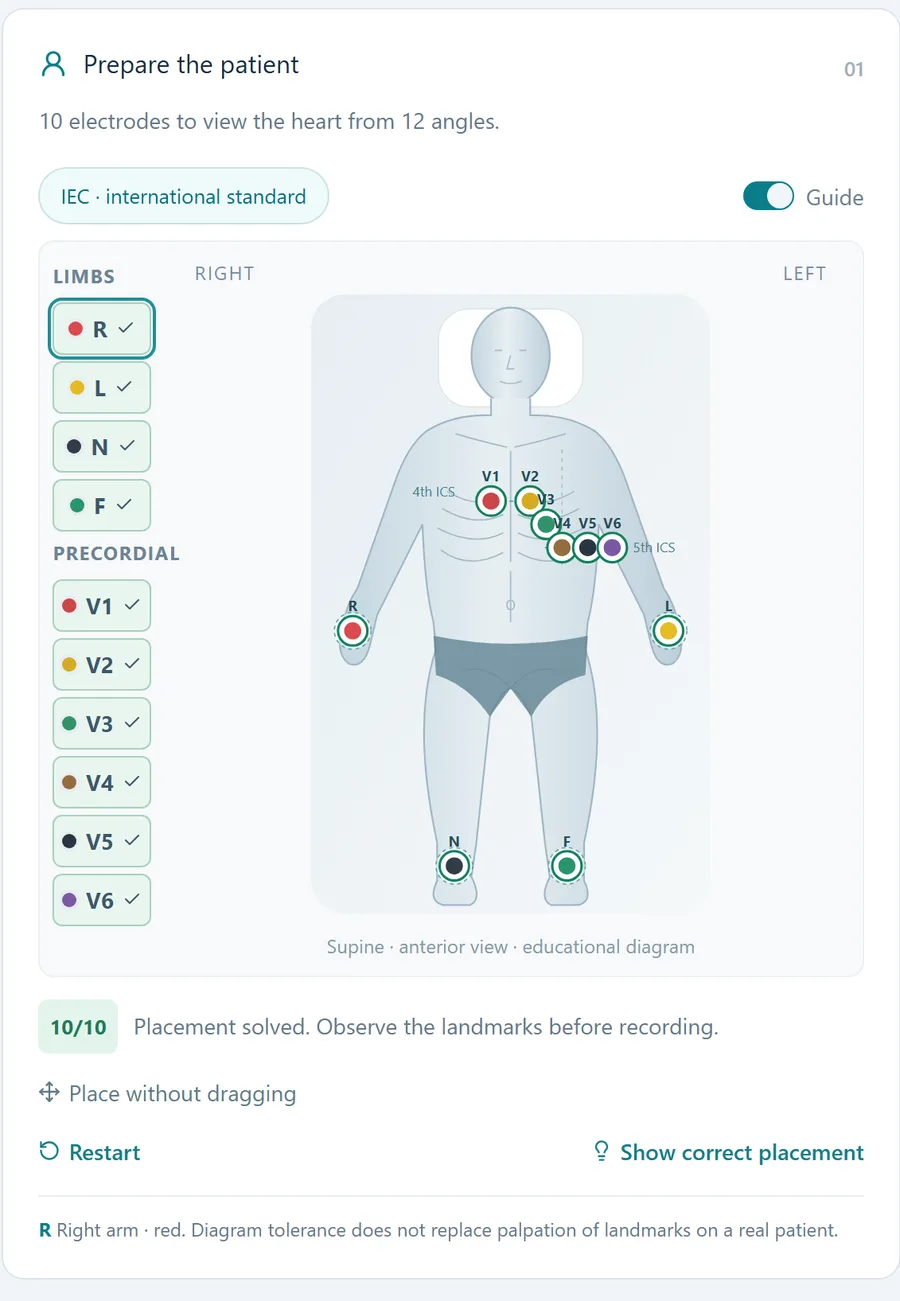
Practice placing ten electrodes on the virtual patient with visual feedback. Configure paper speed and gain.
Observe the same patient from different perspectives. Adjust heart rate, pause the recording and compare wave morphology.
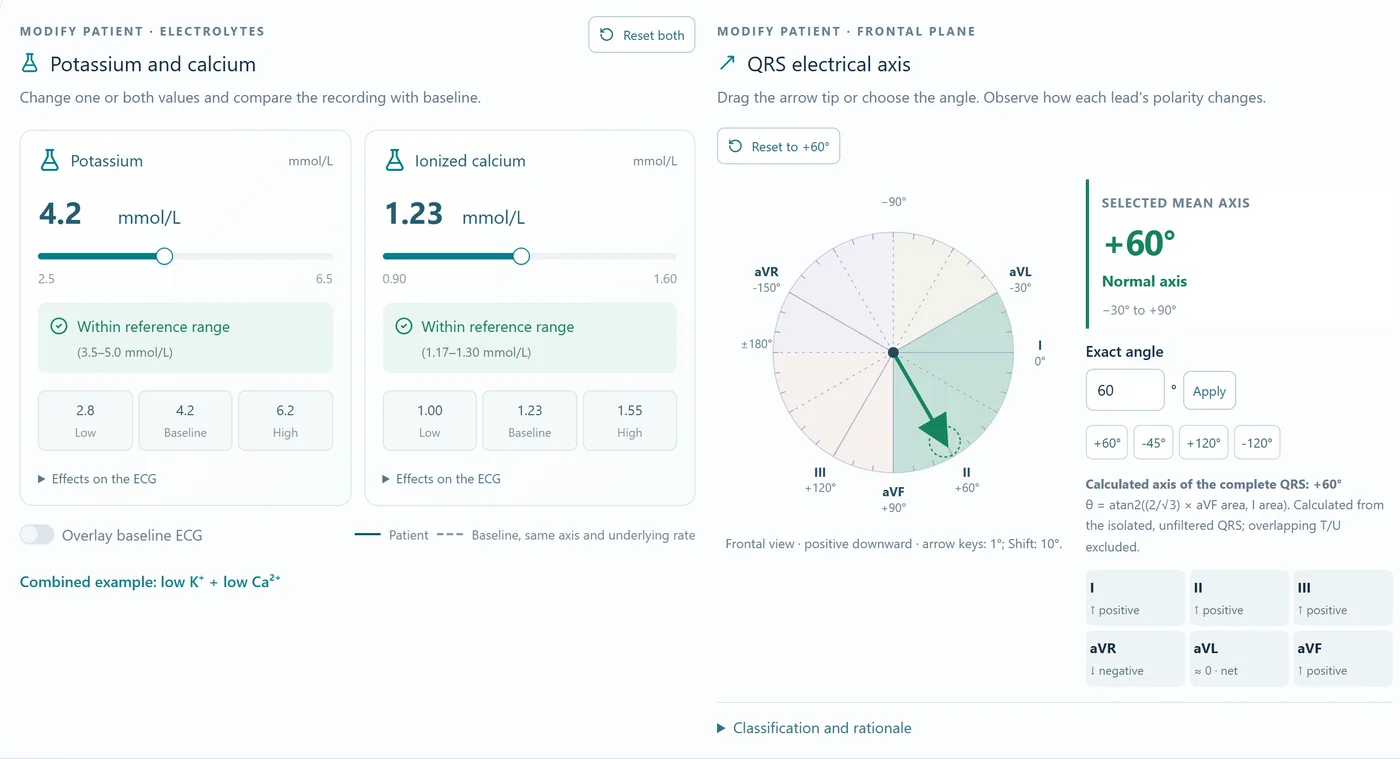
Explore the electrical axis and combine potassium and calcium changes with a baseline tracing comparison.
Explore arrhythmias, blocks and coronary scenarios. Observe the relationship between the heart, affected territory and leads.
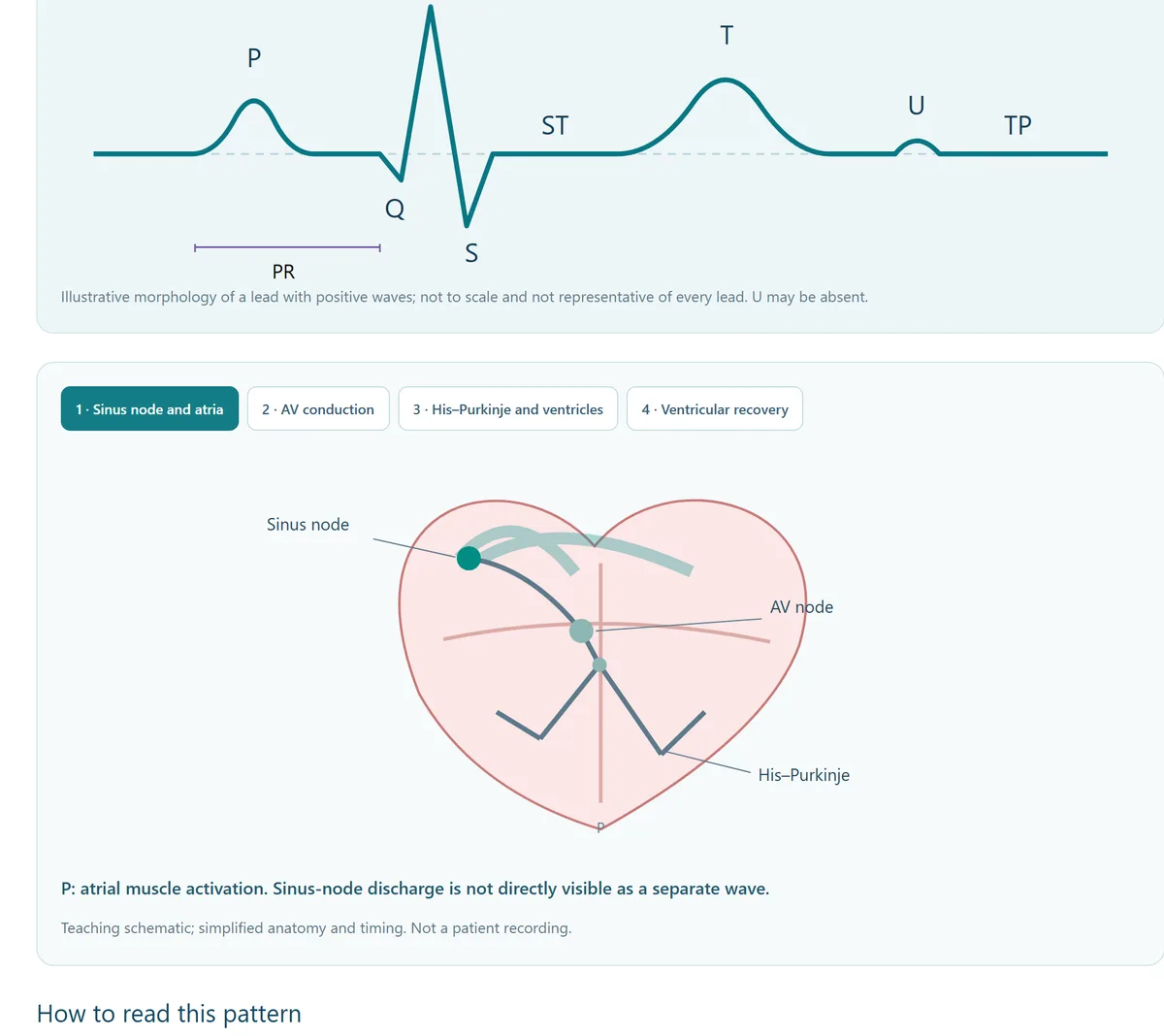
Start with electrical activity and build toward interpretation. Open deeper explanations, experiment in the simulator and track your progress.
Answer questions about the simulator, get immediate feedback and discover which lessons to review.
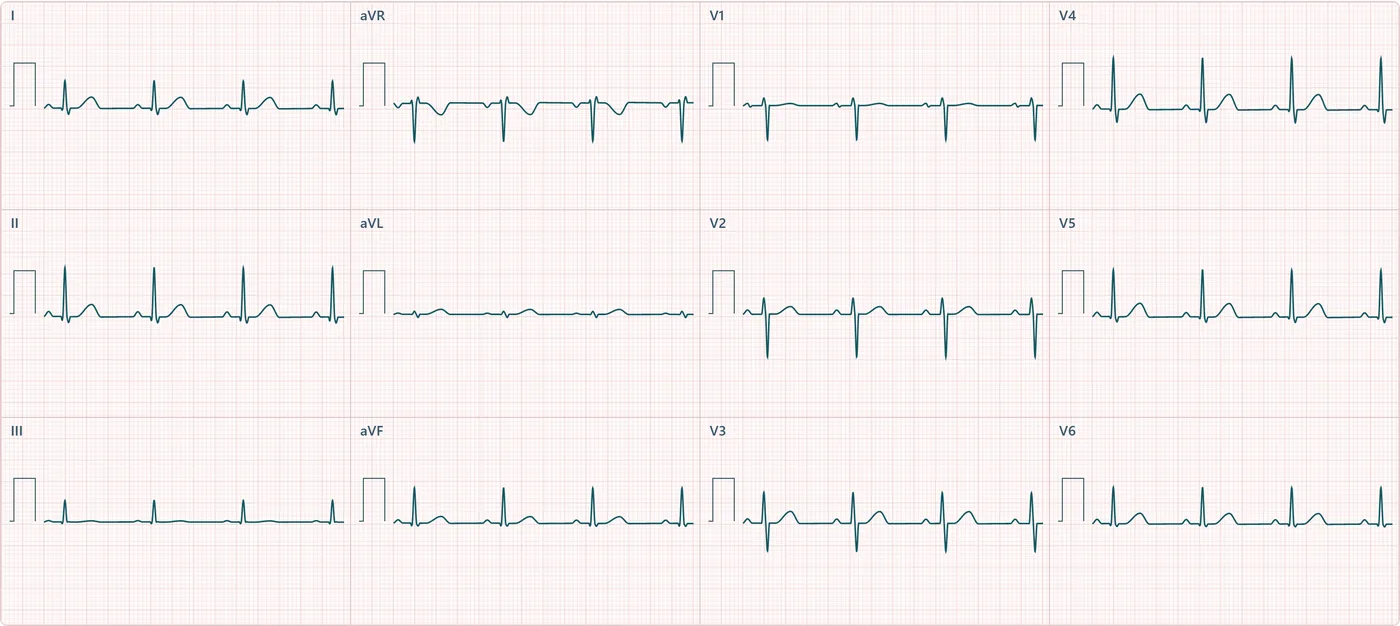
Place electrodes and adjust the recorder.
Start the ECG and try the simulation controls.
Use guided interpretation, lessons and quizzes to reinforce what you observed.
Electrodes, sinus recording, basic controls, 15 free lessons and an atrial fibrillation demonstration.
Sign in / create account ↗One subscription covers all MedSimulator modules, including ECG and Imaging, with the same account and no additional subscription per module.
Pathologies, coronary exploration, axis, electrolytes, advanced lessons and progressive quizzes.
You do not need Premium to start: the free features are open to every account. New accounts also get 3 days of Premium free after confirming their email.
View plans in my account ↗Features depend on your plan. See pricing and conditions in your account.
No. The simulator runs in your browser with a separate MedSimulator account.
Yes. The interface adapts to phones and tablets; a larger screen makes comparing all 12 leads easier.
No. This is an educational tool. Scenarios are learning models and do not replace clinical assessment.
Sign in and follow the guided tour of the main features.
Enter the simulator